
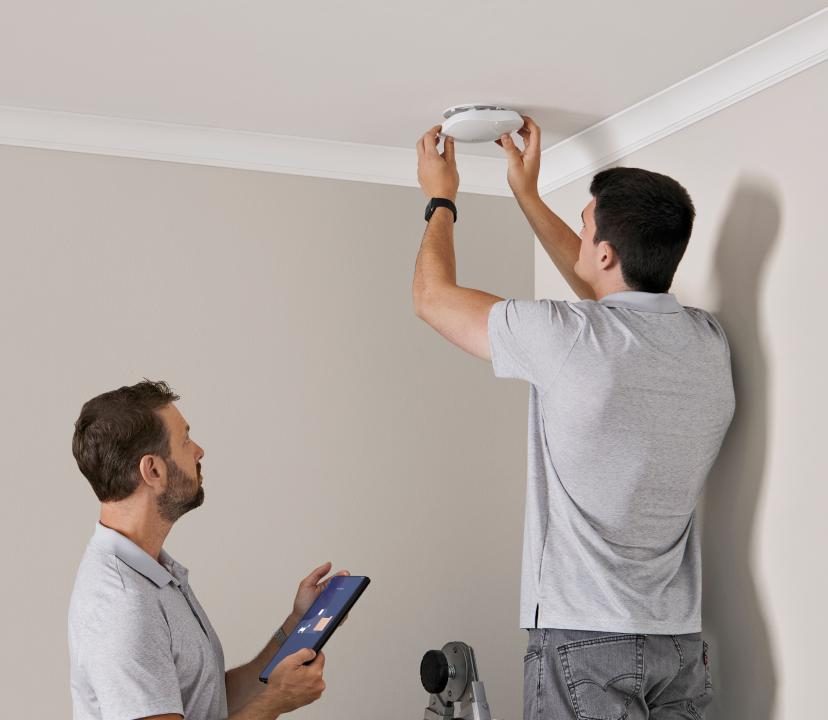
WiFi Booster Installation that actually works
Weak signal in the bedroom, kitchen or office? We test why, then fit the right type of booster in the right place, so the improvement is real.
- Signal tested first
- Mesh or wired
- Fitted and set up
Not all boosters are equal
The right booster in the right place
Plug-in boosters often disappoint because they are put where the signal is already weak, so they repeat a poor connection. Others create a second network name that devices refuse to switch to.
We measure the signal first and choose the right approach for your building: a mesh system, a wired access point or a powerline adapter where cabling is not possible. Then we position it properly and set it up so it works as part of one network.
- Signal tested before anything is fitted
- Mesh, wired or powerline, whichever suits
- One network name, not two
- Speeds checked before and after
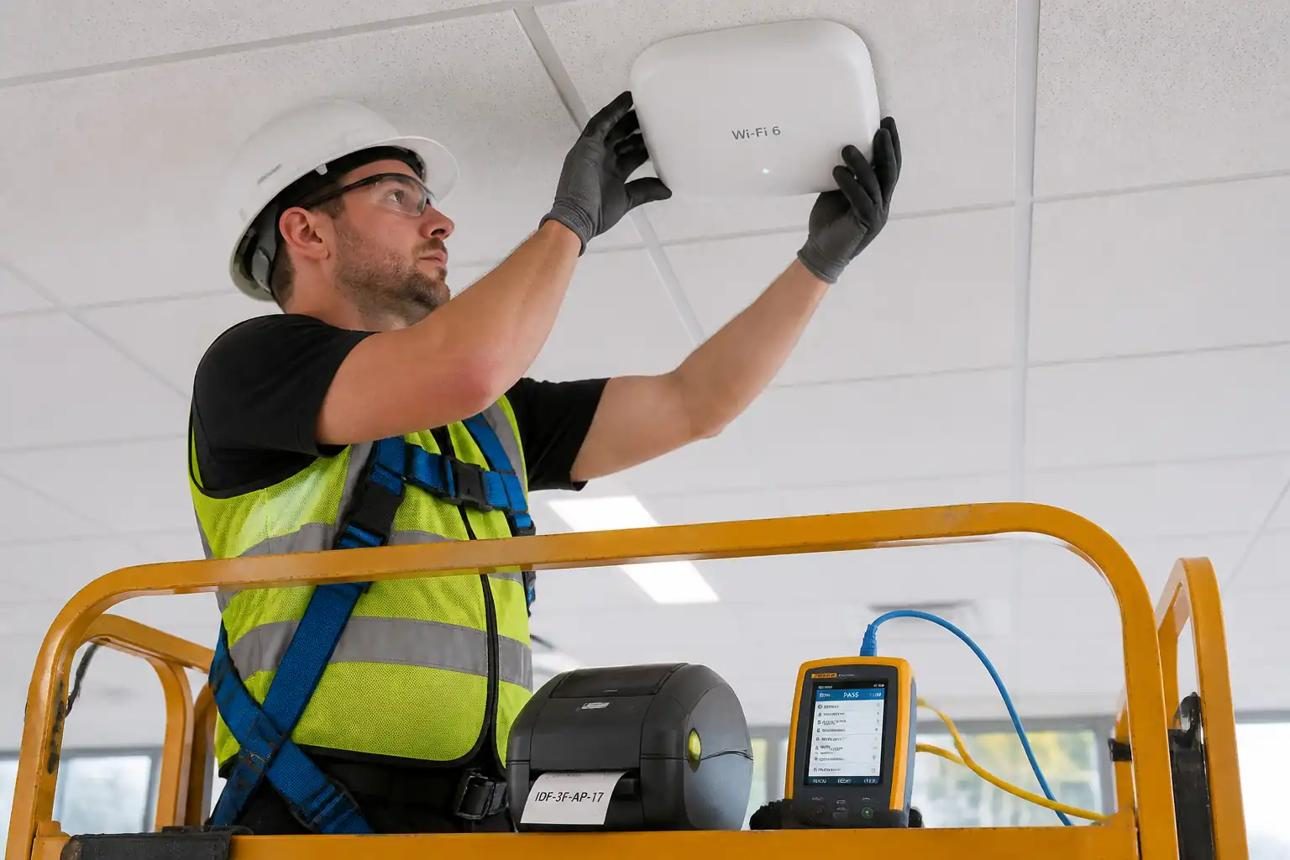
Booster options
Ways we boost a weak Wi-Fi signal
Mesh systems
Units that work together to cover the whole building.
Wired access points
The fastest option, using a cable back to the router.
Powerline adapters
Uses the mains wiring where cable cannot be run.
Correct positioning
Units placed where they get a strong signal to pass on.
Settings and channels
Wi-Fi channels and bands set to avoid interference.
Speed checks
Before and after tests in the rooms that matter.
When a booster is the right answer
A booster works best in these situations.
- One or two rooms with weak signal
- An extension or loft conversion
- A home office at the far end of the house
- A garden room close to the house
- Renting, where running new cable is not possible
Not sure what you need? Tell us what is happening and we will advise.
No-obligation quote
What affects the cost
We recommend the simplest option that works. The cost depends on:
- Which type of booster suits the building
- How many units are needed
- Whether any cable can be run
- Set-up with your existing router
How it works
How a booster installation works
Test
We measure the signal in the weak rooms.
Choose
Mesh, wired or powerline, based on the results.
Fit
Units positioned and set up as one network.
Check
Speeds tested again to confirm the improvement.
Who it is for
Wi-Fi boosting for homes and small offices
Bedrooms and lofts
Rooms at the top of the house.
Home offices
Reliable signal for calls and work.
Rented homes
Better Wi-Fi without new cabling.
Booster tips
- Do not put a booster where the signal is already weak
- Avoid separate network names for each booster
- Mesh systems work best from the same brand
- A wired link is always faster than wireless
Related services
Other services you may need
WiFi Extender Installation
Extend an existing network to loft rooms, extensions and offices.
Home WiFi Installation
Whole-home Wi-Fi for every floor, the garden and the home office.
WiFi Access Point Installation
Ceiling and wall access points on PoE, positioned by survey.
WiFi Installation
Reliable Wi-Fi planned around your building, not guesswork.
Free quote
Get a free WiFi booster quote
Tell us a little about your property and what you need. We will call you back to talk it through and arrange a free site survey.
Your details
Fields marked * are required.
FAQs
WiFi Booster Installation questions
Straight answers to the questions we are asked most. If yours is not here, send us a message and we will reply.